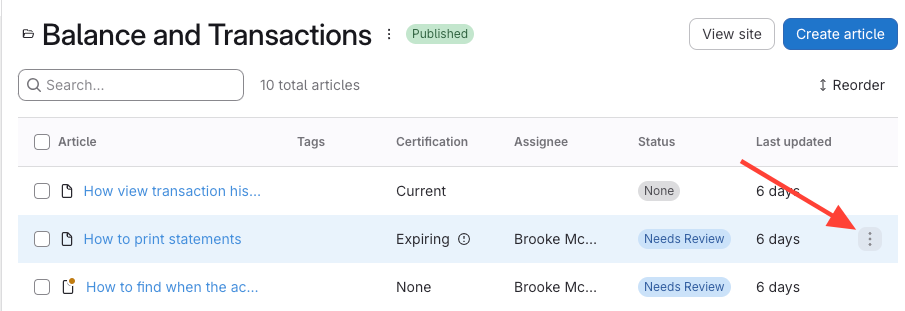
- Click the Action Menu
- Navigate to the article, chapter, or manual.
- Open the action menu on the right.
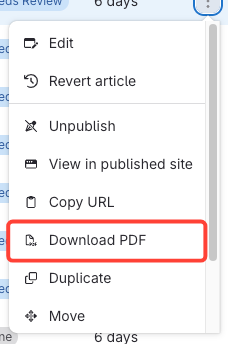
- Select Download PDF
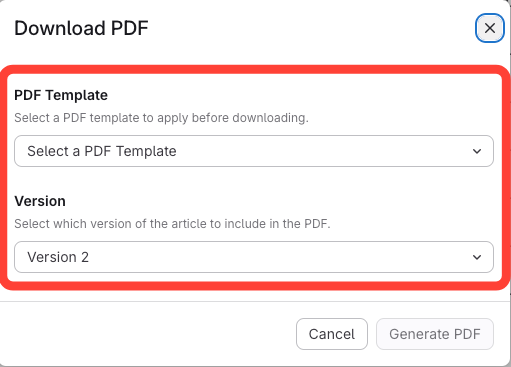
- Select template and version
- Choose a PDF template (must be created in the PDF template editor).
Select the version to include.
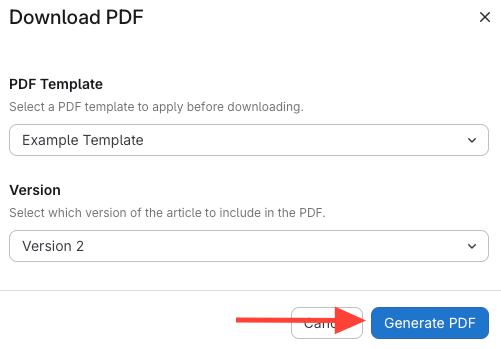
- Click Generate PDF
How to Download a PDF Version of your Article, Chapter or Manual from the Web Browser Application
Updated on