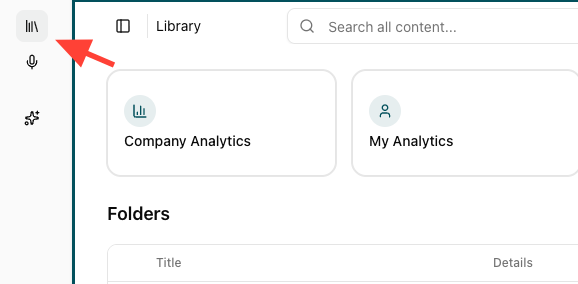
- Click Library in the main navigation
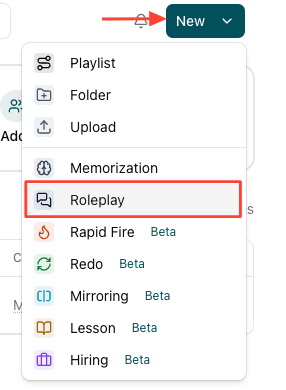
- Start a new role play
Click New, then Click Roleplay to begin creating a new role play.
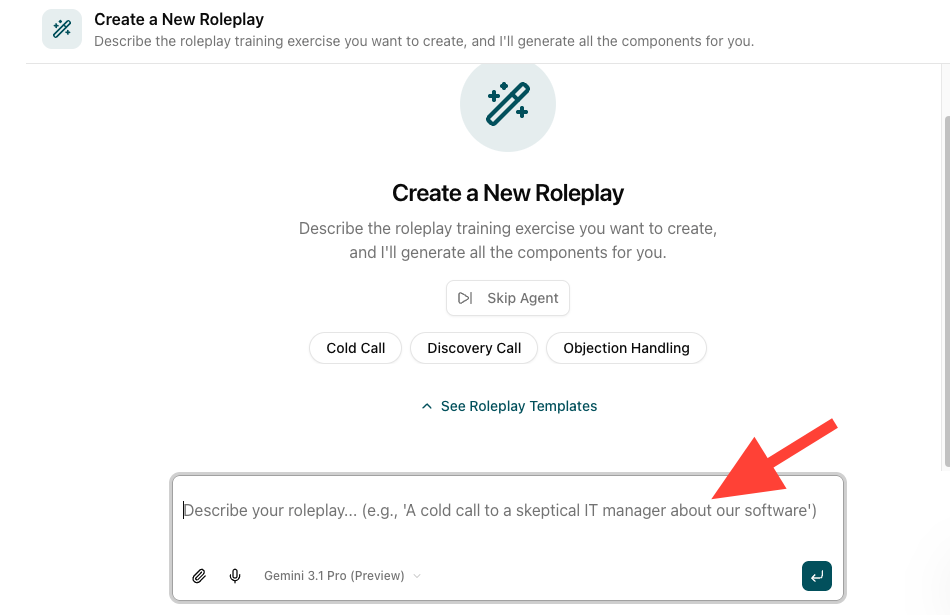
- Describe your role play scenario
Enter a description for your role play scenario. Optionally upload supporting documents or click the microphone to explain the scenario.
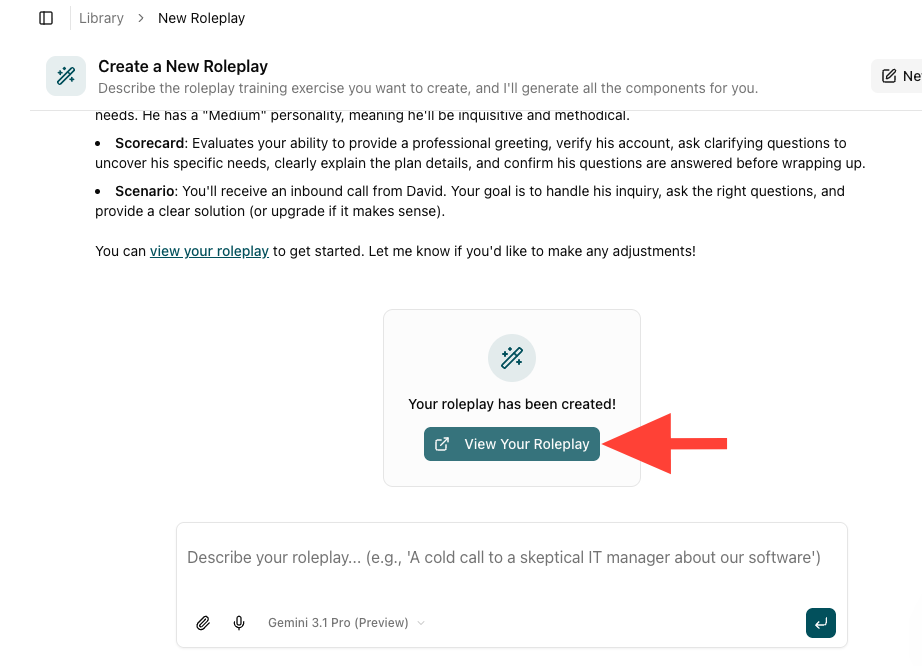
- Review the created role play
Scroll to review scenario context, personality, and scorecard details.
- Modify the scenario using AI (optional)
ClickAsk AI to modify at the bottom to adjust the scenario if needed.
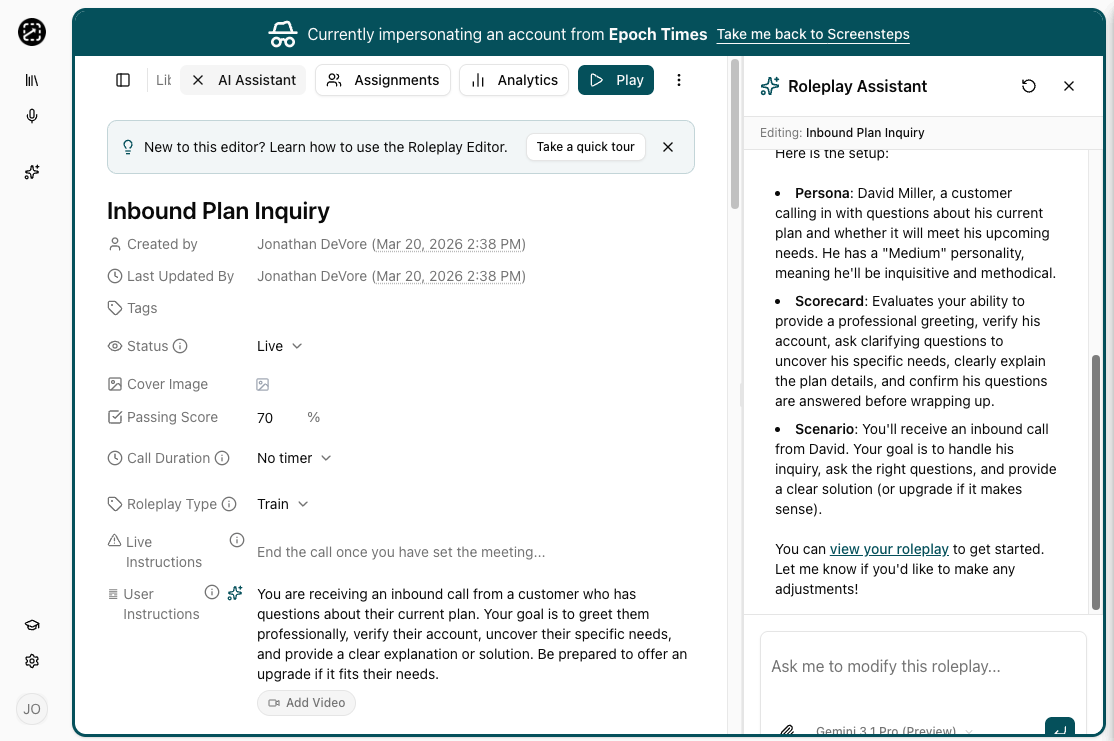
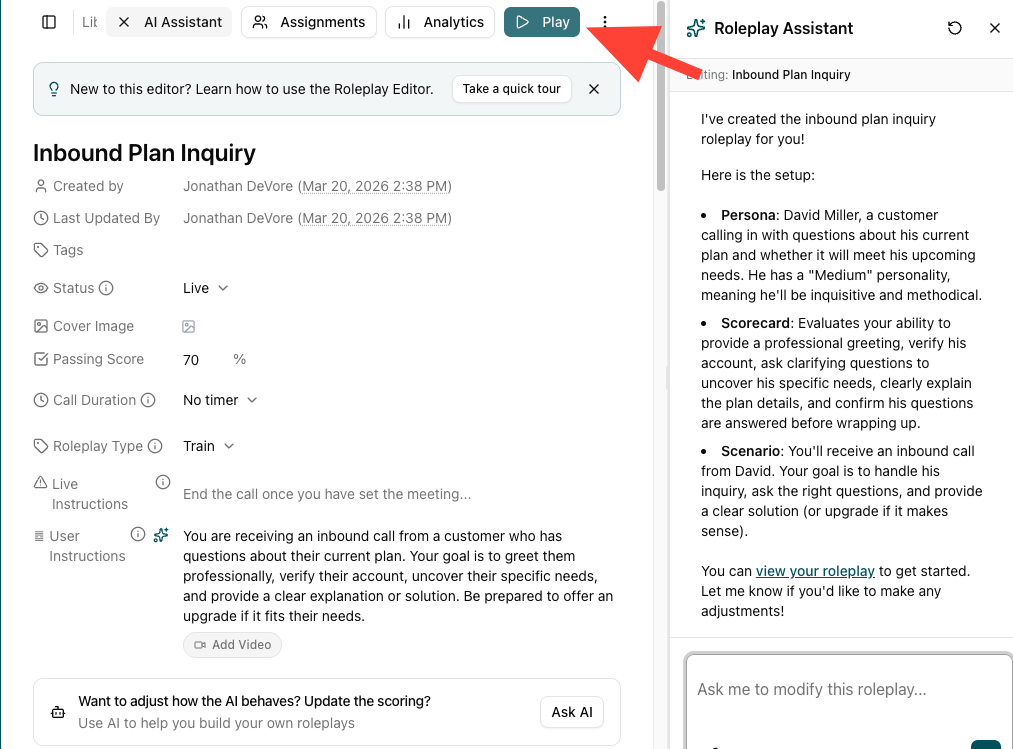
- Click Play to test the role play
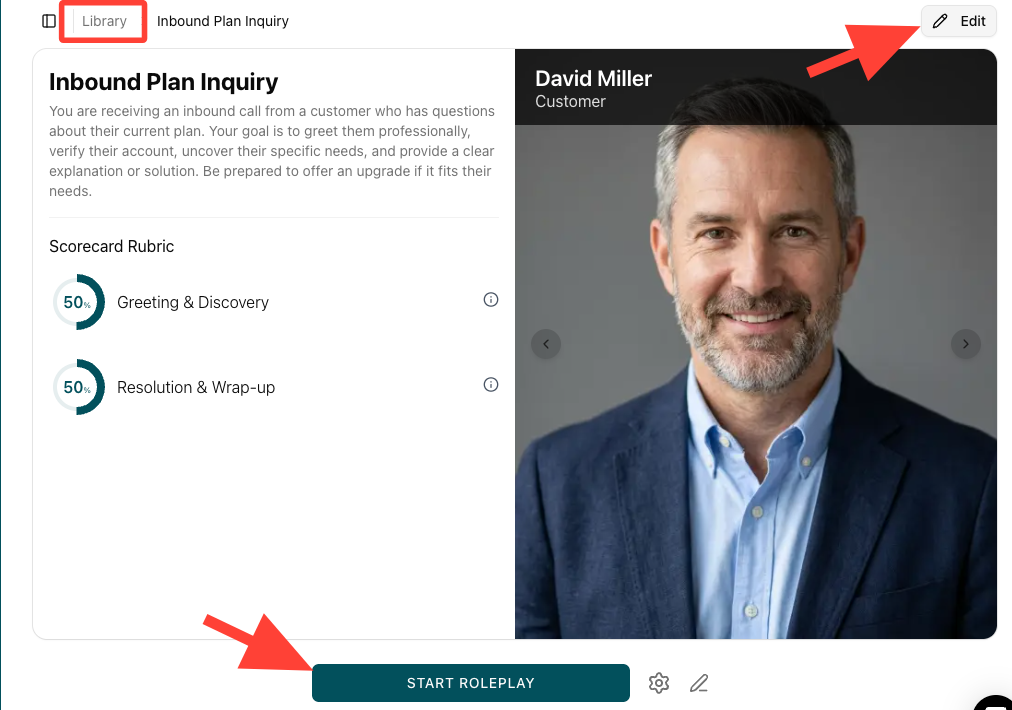
- Edit or assign the role play (optional)
ClickEdit to change components, assign individuals, or add team members as needed.
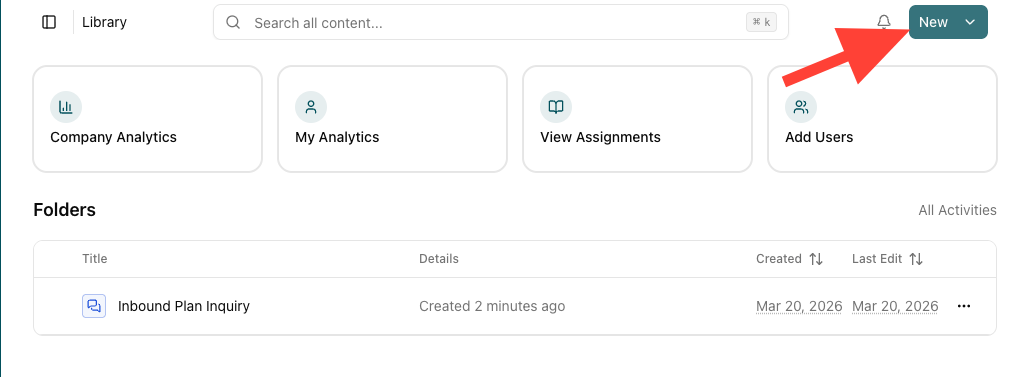
- Click New to start another role play
How to Create a Roleplay
Updated on