How ScreenSteps Is Organized
The Structure of ScreenSteps
ScreenSteps content is organized like this: Account → Site → Category → Manual → Chapter → Article
Each level helps organize knowledge so it’s easy for teams to find and navigate.
1. Account
An account is the top level in ScreenSteps. Every organization using ScreenSteps has one account. The account contains one or more sites where knowledge is published.
2. Site
A site is where your knowledge base lives. You can think of a site like a website for your team's knowledge.
Each account has at least one site, but organizations can create multiple sites if needed (for example: internal operations, customer help center, partner documentation). End users access content through a site.
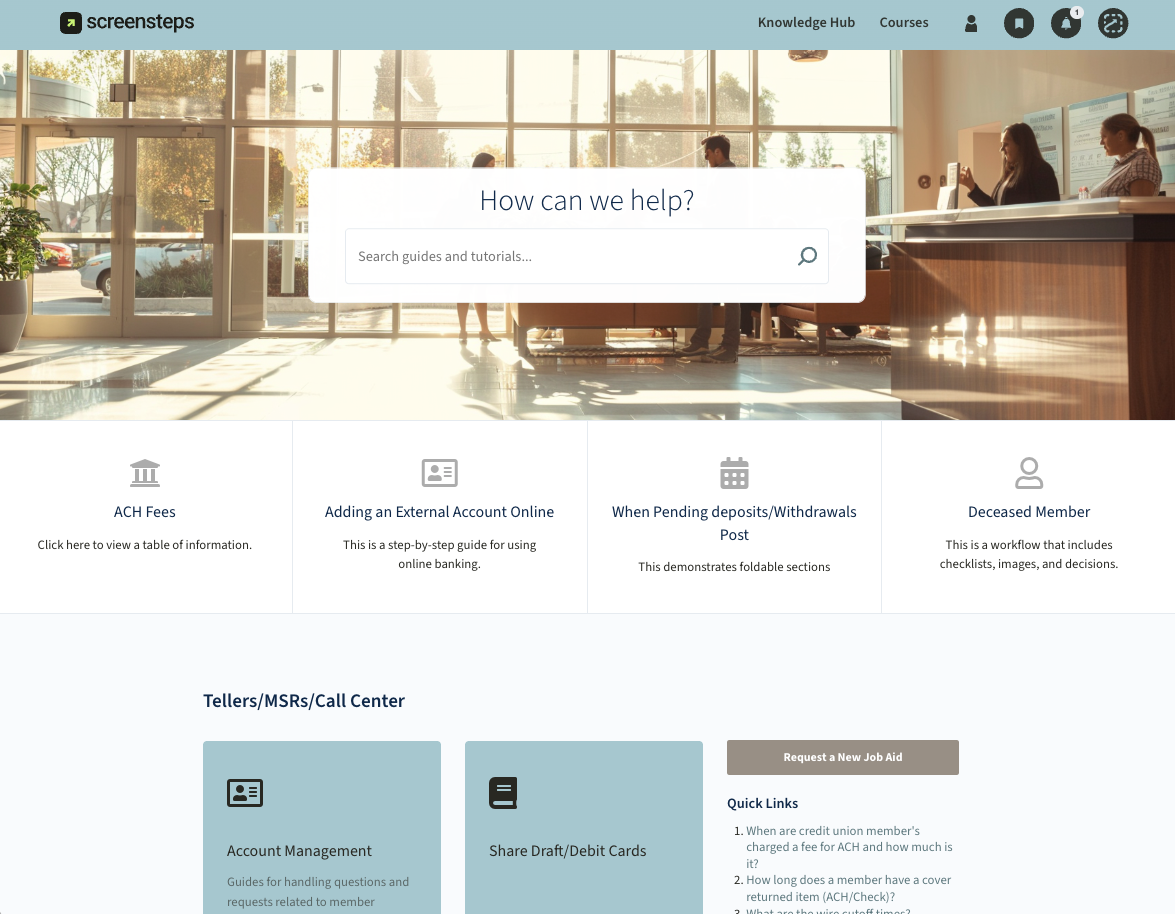
3. Category
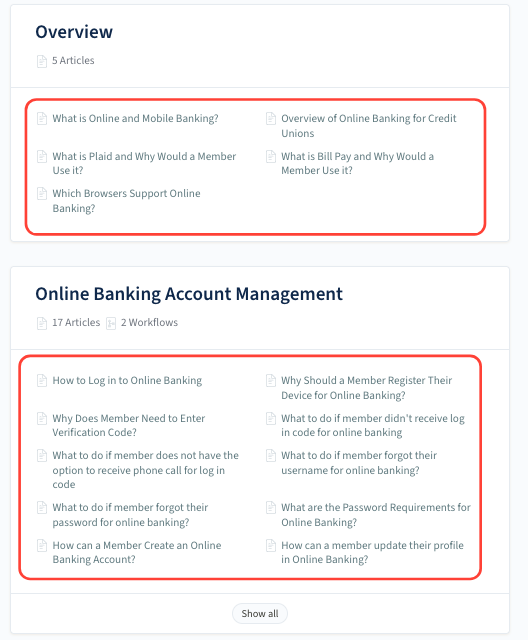
A category organizes content inside a site. Categories act as dividers that group related manuals together.
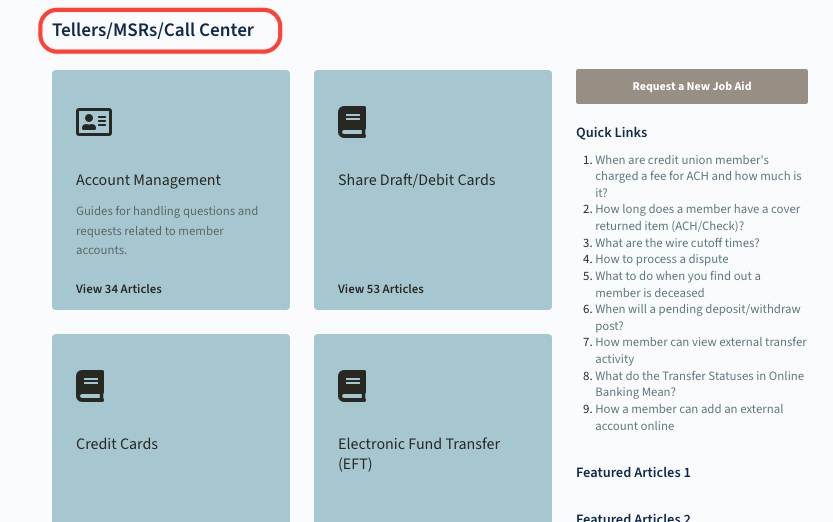
4. Manual
A manual is a collection of related procedures or documentation. Think of a manual like a book within the knowledge base.
Examples:
- Teller Procedures
- Loan Processing
- New Hire Training
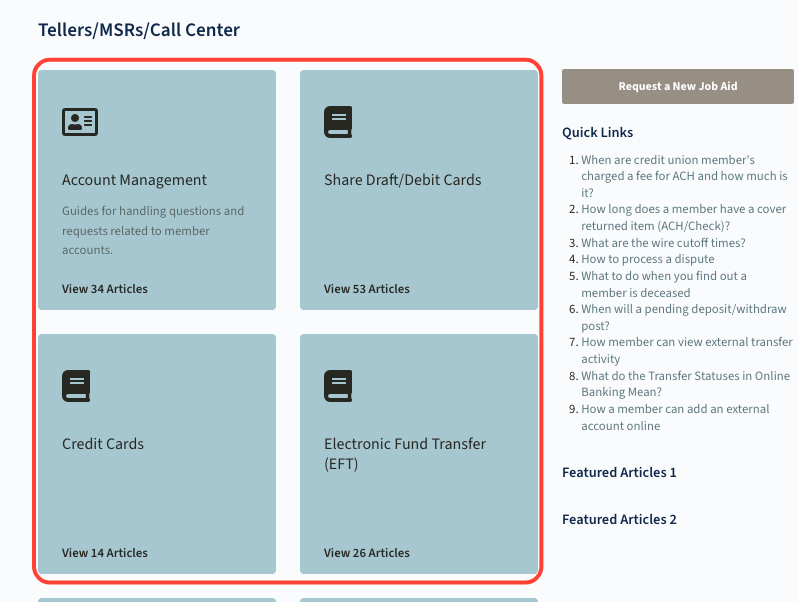
5. Chapter
A chapter organizes articles inside a manual. Chapters group related topics together so the manual is easier to navigate.
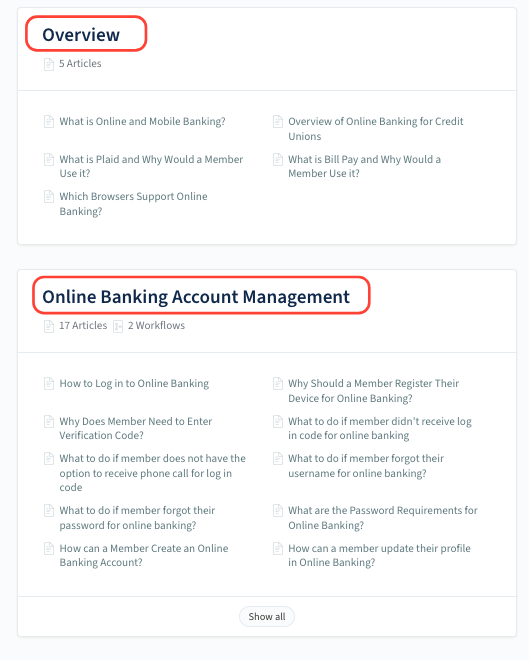
6. Article
An article is the individual piece of content users read.
Articles typically contain:
- Step-by-step procedures
- Reference information
- Policies
- Job aids
How Users Find Content
End users access content from a site and typically find information in one of two ways:
- Search: Users can type keywords into the search bar to quickly find relevant articles.
- Browse: Users can also navigate through the structure:
Site → Category → Manual → Chapter → Article
When users open a manual, they see a table of contents showing the chapters and articles they can browse.