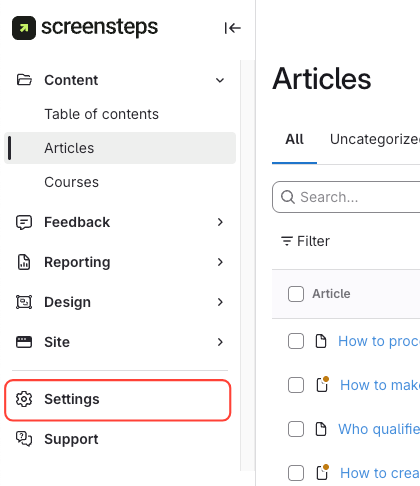
- Click Settings
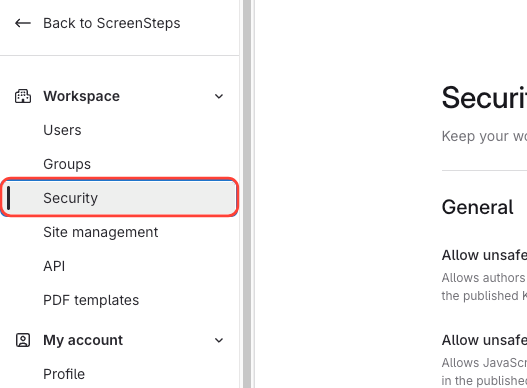
- Click Security
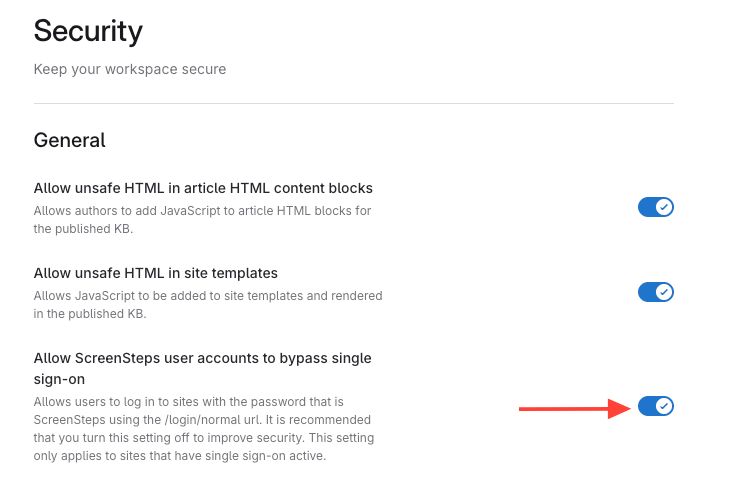
- Toggle on Allow ScreenSteps user accounts to bypass single sign-on
- Send the user the normal login URL
In the example below, if your account name is myaccount then you would visit the following url:
https://myaccount.screenstepslive.com/login/normal - The user can log in with their credentials
How to Bypass Single Sign-on (SSO) so Users Can Log in Without SSO
Updated on